> ## Documentation Index
> Fetch the complete documentation index at: https://docs.ctechnology.io/llms.txt
> Use this file to discover all available pages before exploring further.
# Organization settings and users
> How to structure teams and organization settings.
The settings section provides tools for configuring your organization, managing team members, and customizing platform behavior to match your operational requirements.
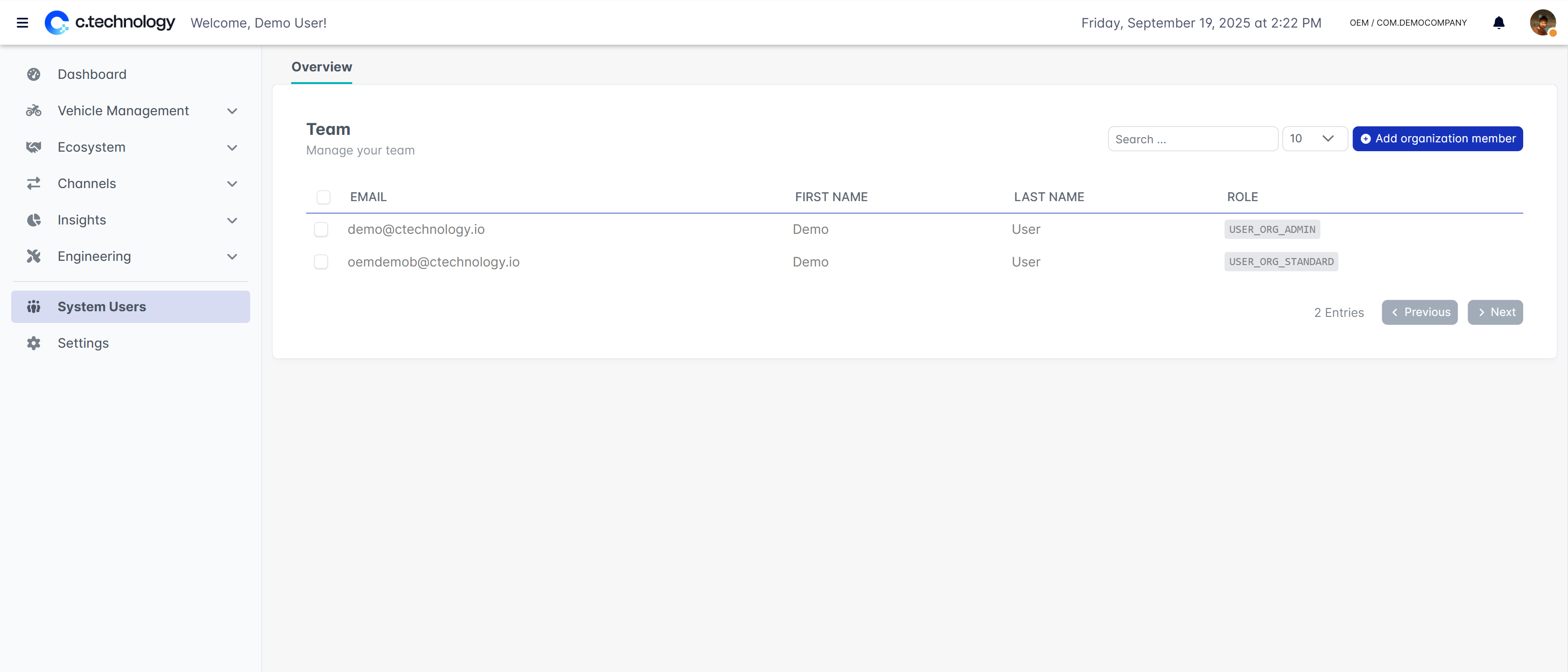 As the team settings and user management are shared with the OEM Suite, please refer to the [OEM Suite documentation](/handbook/oem/team) for detailed information on managing users and teams.
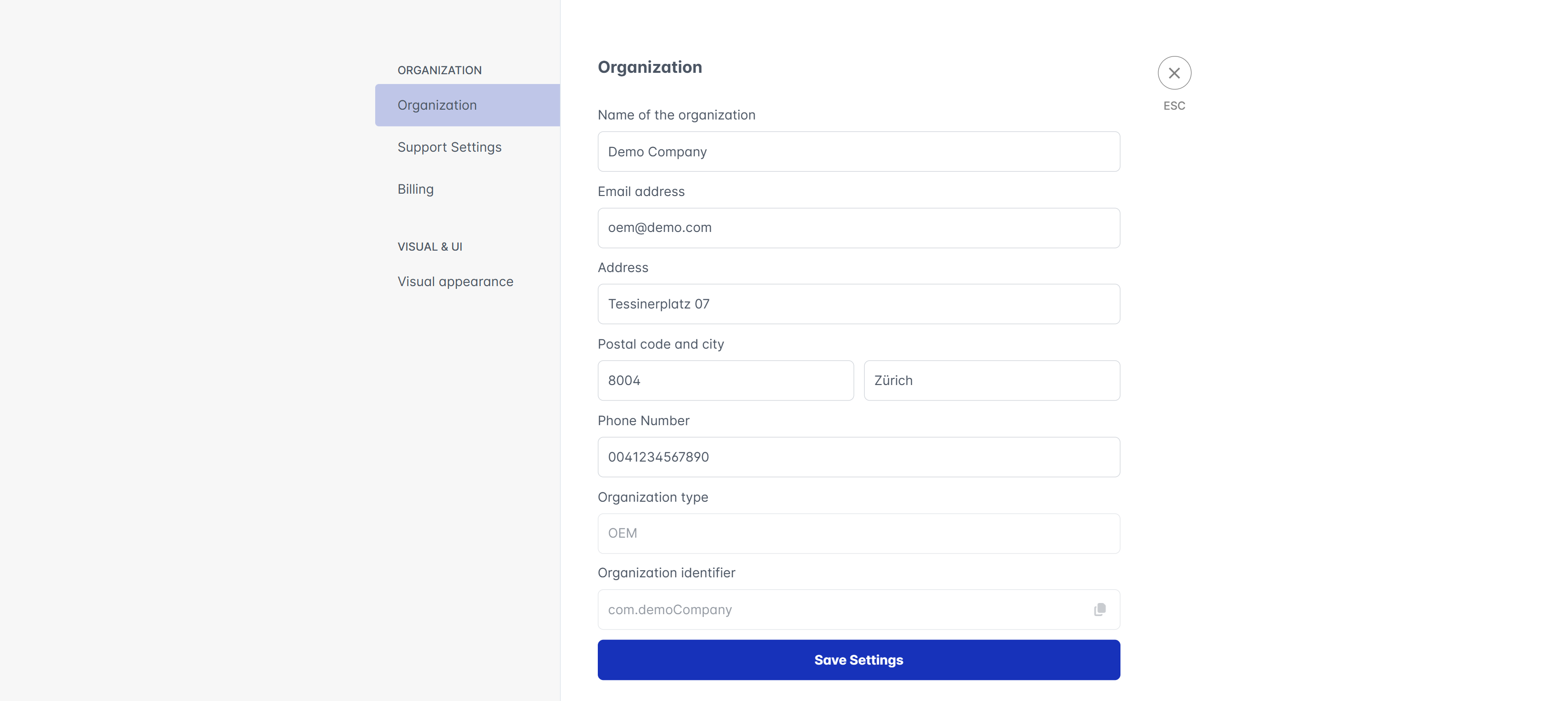 Similarly, as most of the settings are shared with the OEM Suite, please refer to the [OEM Suite documentation](/handbook/oem/settings) for detailed information on each setting.
In comparison to the OEM Suite, you may have limited access to certain features, depending on your organization's permissions and settings.
Similarly, as most of the settings are shared with the OEM Suite, please refer to the [OEM Suite documentation](/handbook/oem/settings) for detailed information on each setting.
In comparison to the OEM Suite, you may have limited access to certain features, depending on your organization's permissions and settings.