> ## Documentation Index
> Fetch the complete documentation index at: https://docs.ctechnology.io/llms.txt
> Use this file to discover all available pages before exploring further.
# Services
> Activate and use professional vehicle services.
**Vehicle services** are specialized workflows designed for professional partners to manage various vehicle-related tasks efficiently.
These services include vehicle preparation, launch services, hibernation management, and other custom services tailored to your operational needs.
The services can generally be purchased and activated through the in-app store.
If you want access to a specific service that is not listed in the store, please contact your account manager or c.technology support.
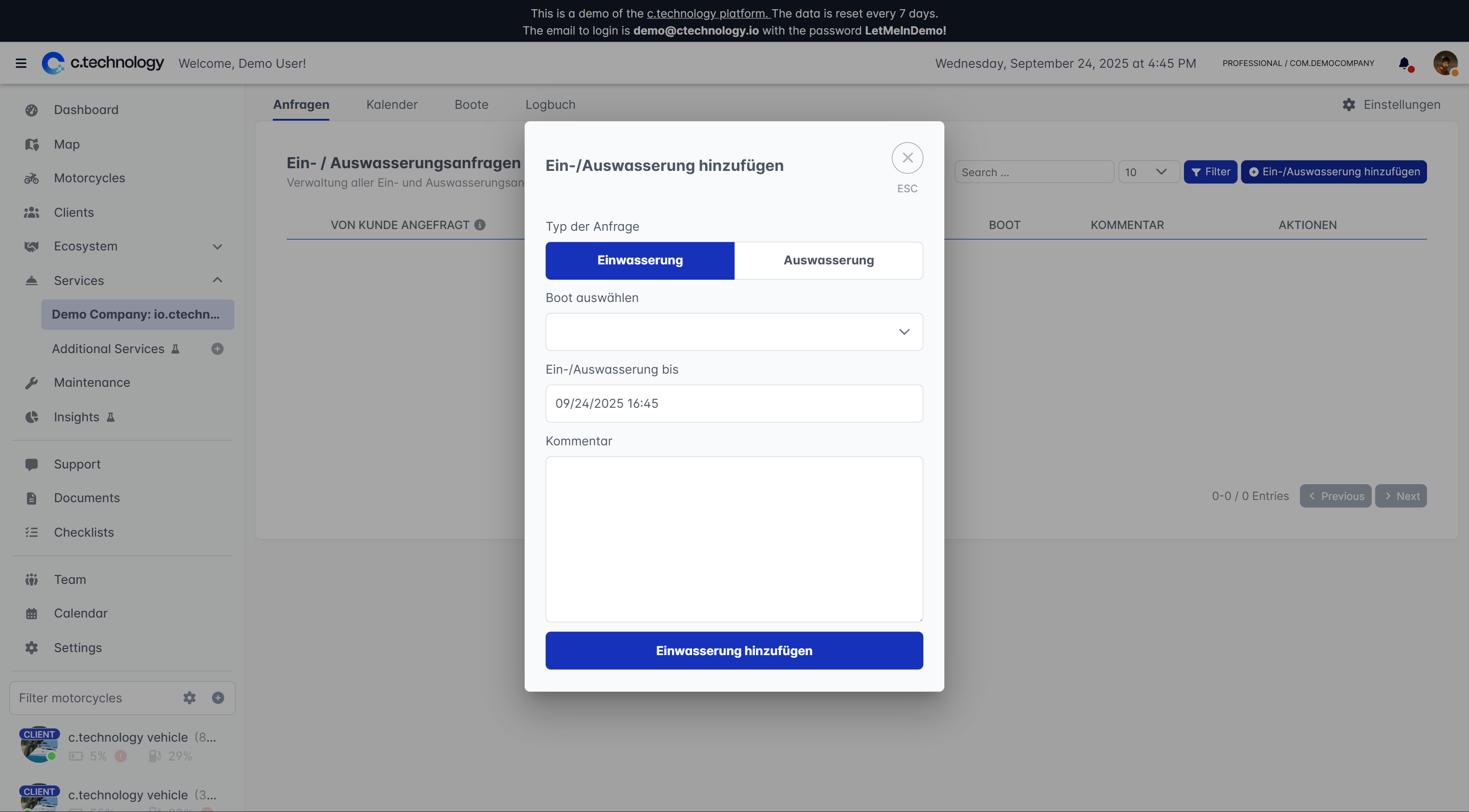
 Once activated, services can be accessed through the **Services** menu item in the main navigation.
Each service consists of a service management view, a calendar, a "vehicles active in service" overview, a logging section, and a settings tab.
While the management view may differ between services, the calendar, active vehicles, log, and settings tabs are usually consistent across all services.
Click on "Configure" in the active vehicles tab to set up the service for specific vehicles.
The following is an example from the **Vehicle Preparation** service, which is used to prepare vehicles for handover to customers.
Once activated, services can be accessed through the **Services** menu item in the main navigation.
Each service consists of a service management view, a calendar, a "vehicles active in service" overview, a logging section, and a settings tab.
While the management view may differ between services, the calendar, active vehicles, log, and settings tabs are usually consistent across all services.
Click on "Configure" in the active vehicles tab to set up the service for specific vehicles.
The following is an example from the **Vehicle Preparation** service, which is used to prepare vehicles for handover to customers.