> ## Documentation Index
> Fetch the complete documentation index at: https://docs.ctechnology.io/llms.txt
> Use this file to discover all available pages before exploring further.
# Documents and checklists
> Manage and share documents, handbooks, checklists, etc.
For both documents and checklists you can create, edit, and manage them in this part of the OEM Suite.
Both can then be shared with a subset of vehicles: only your own, vehicles of certain families, types or categories, or even individual vehicles.
For example, you can upload user manuals, service guides, warranty information, and technical documentation as documents.
Users of the Professional Hub and Private App can then immediately access the respective documents.
## Documents
Documents currently support PDF files and images up to 16MB in size.
They are organized by category and can be associated with specific vehicle models or made available globally.
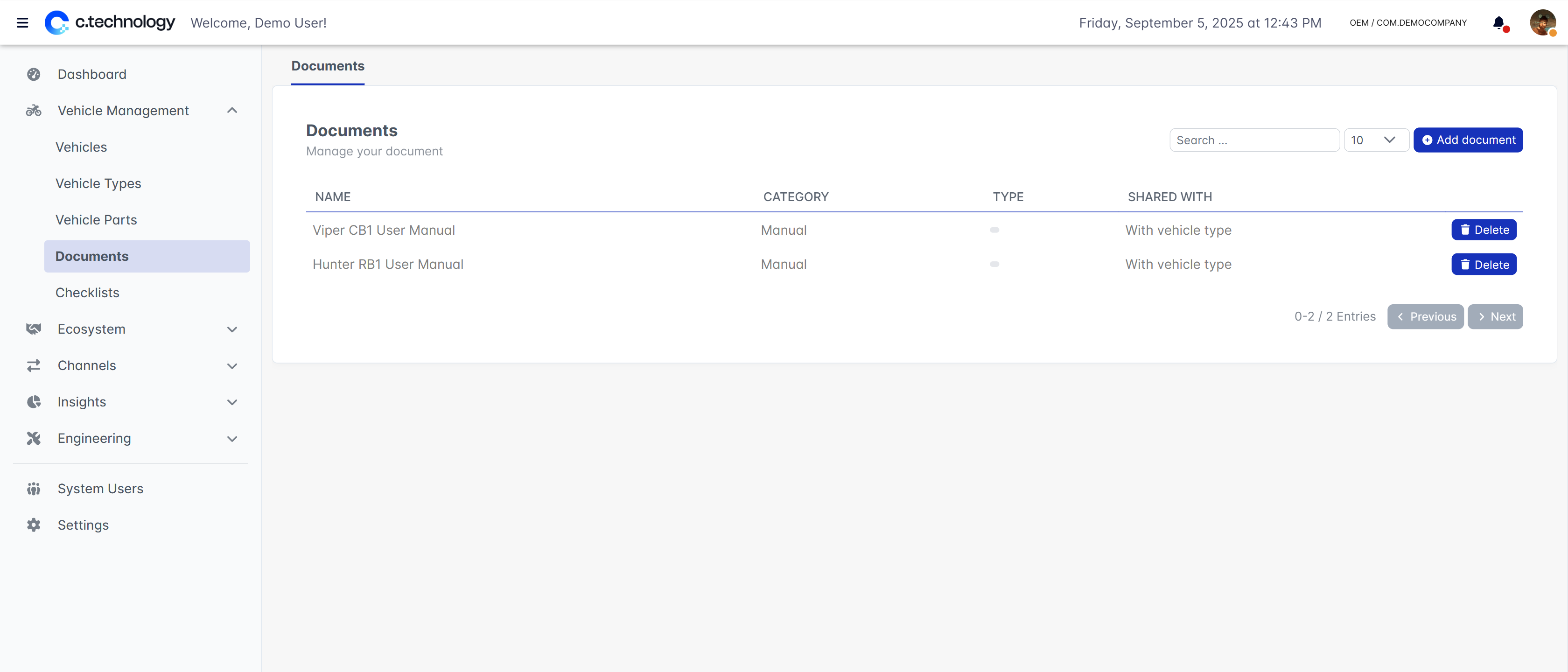 In additional to uploading the document itself, you can specify the language it is in, as well as provide translations for the name.
The translations will be shown to the user based on their language settings in the app.
To change the translation, click on the *language* icon next to the name field.
In additional to uploading the document itself, you can specify the language it is in, as well as provide translations for the name.
The translations will be shown to the user based on their language settings in the app.
To change the translation, click on the *language* icon next to the name field.
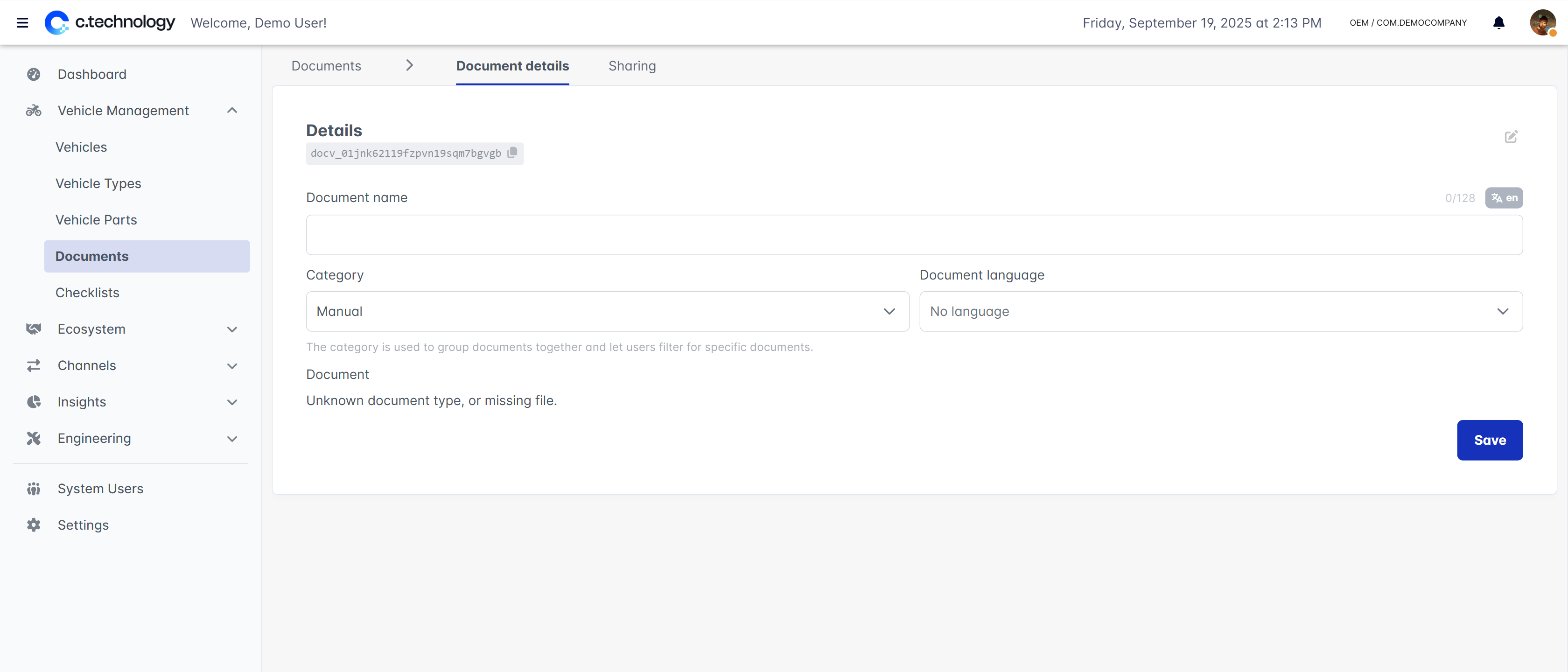 The following categories of documents are available:
* **Manuals**: User manuals and operating instructions
* **Maintenance booklets**: Service guides and maintenance schedules
* **Identification documents**: Registration papers and certificates
* **Inventories**: Parts lists and component catalogs
* **Others**: Miscellaneous documents relevant to vehicle owners and service providers
The following categories of documents are available:
* **Manuals**: User manuals and operating instructions
* **Maintenance booklets**: Service guides and maintenance schedules
* **Identification documents**: Registration papers and certificates
* **Inventories**: Parts lists and component catalogs
* **Others**: Miscellaneous documents relevant to vehicle owners and service providers
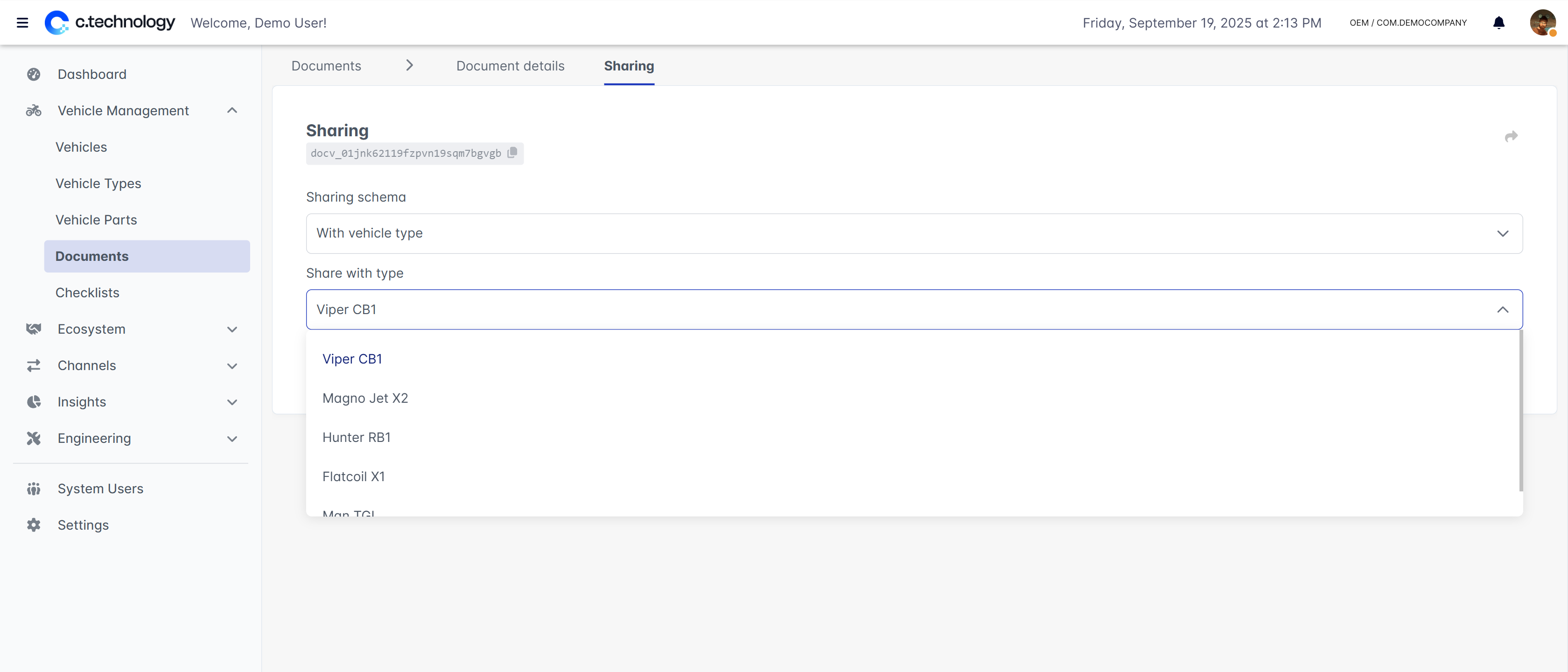 Documents can be kept private or shared with specific vehicles, *all* vehicles, or individual types, families or categories.
When choosing specific vehicles, you can use the search field to find vehicles by their name or VIN.
## Checklists
Checklists are structured lists of tasks or procedures that can be assigned to vehicles.
Upon completion, a checklist is stored in the vehicle's history and can be reviewed by OEMs, professional partners, or vehicle owners.
The action of *completing* a checklist is stored immutably and cannot be modified or deleted.
Documents can be kept private or shared with specific vehicles, *all* vehicles, or individual types, families or categories.
When choosing specific vehicles, you can use the search field to find vehicles by their name or VIN.
## Checklists
Checklists are structured lists of tasks or procedures that can be assigned to vehicles.
Upon completion, a checklist is stored in the vehicle's history and can be reviewed by OEMs, professional partners, or vehicle owners.
The action of *completing* a checklist is stored immutably and cannot be modified or deleted.
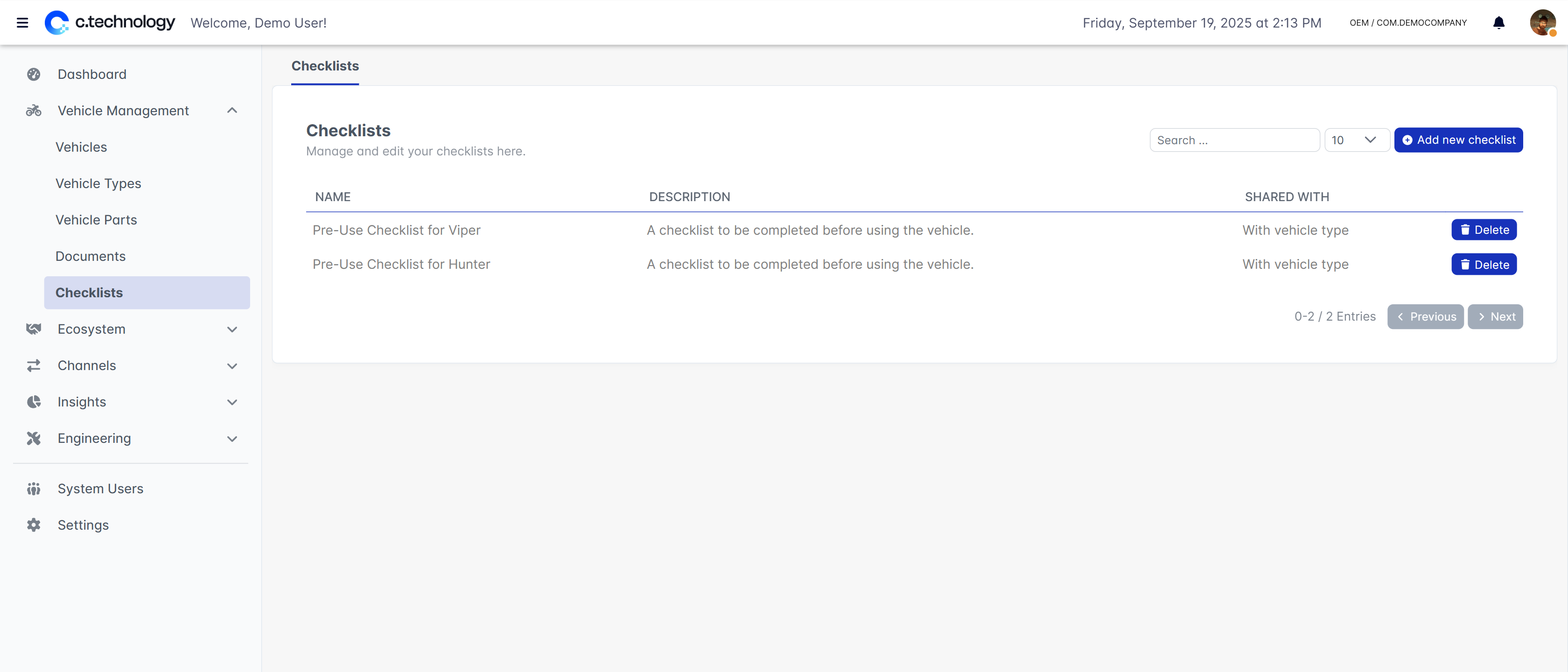 To add points to a checklist, simply click on the **add point** button.
You can then directly edit the point itself, and rearrange points by dragging and dropping them.
To add points to a checklist, simply click on the **add point** button.
You can then directly edit the point itself, and rearrange points by dragging and dropping them.
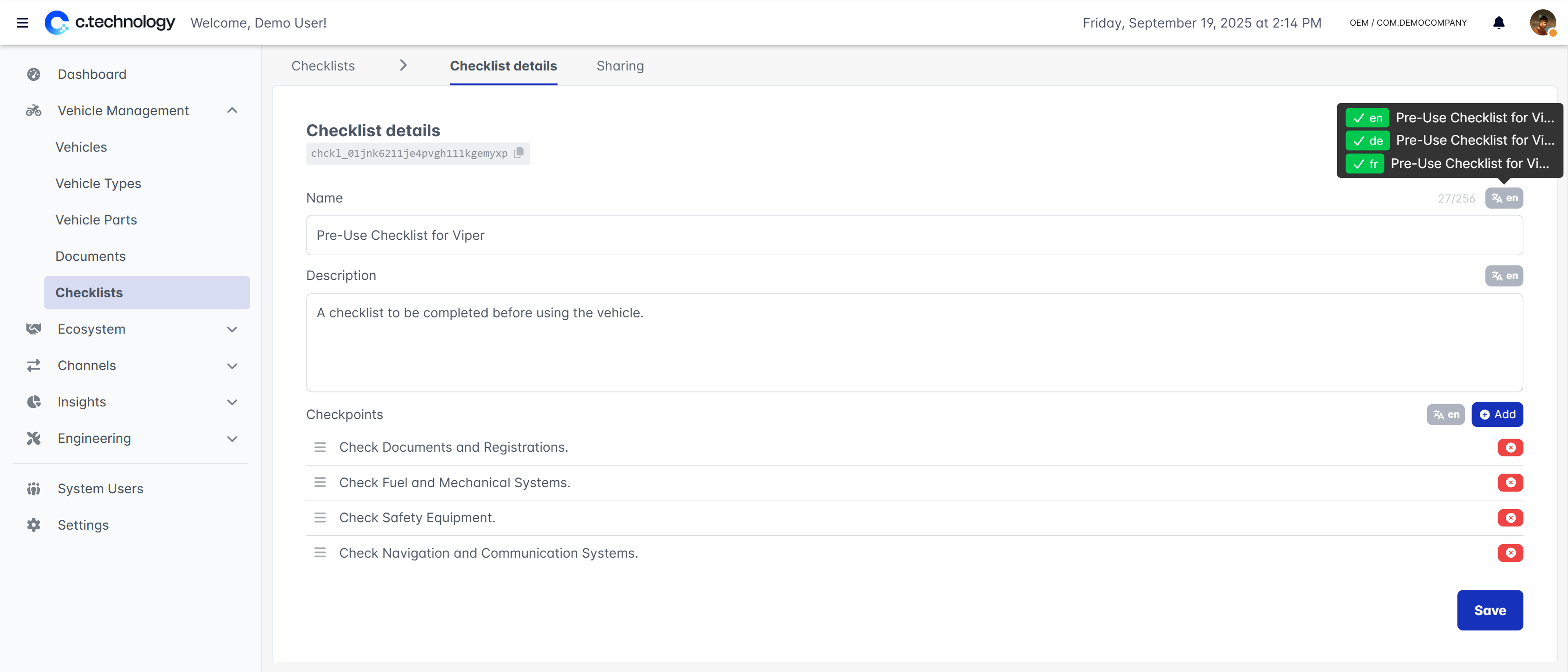 All checklists and points can be translated into multiple languages.
To change the translation, click on the *language* icon next to the name field.
A checklist is always shown in the language of the user completing it, falling back to the default language if no translation is available.
Similarly to documents, checklists can be kept private or shared with specific vehicles, *all* vehicles, or individual types, families or categories.
When choosing specific vehicles, you can use the search field to find vehicles by their name or VIN.
All checklists and points can be translated into multiple languages.
To change the translation, click on the *language* icon next to the name field.
A checklist is always shown in the language of the user completing it, falling back to the default language if no translation is available.
Similarly to documents, checklists can be kept private or shared with specific vehicles, *all* vehicles, or individual types, families or categories.
When choosing specific vehicles, you can use the search field to find vehicles by their name or VIN.